Stake and unstake
Stake $KYZN, read your position and unstake any part of it.
#You need
- A wallet connected on Robinhood Chain
- $KYZN in that wallet
- ETH for gas: one or two transactions to stake, one to unstake
Connect first with Connect a wallet. To get $KYZN, see Buy $KYZN.
#Stake
- 01Open StakeOpen Stake in the app, on its Stake tab. The field Amount to stake shows your wallet’s balance above it, and Max fills in all of it.
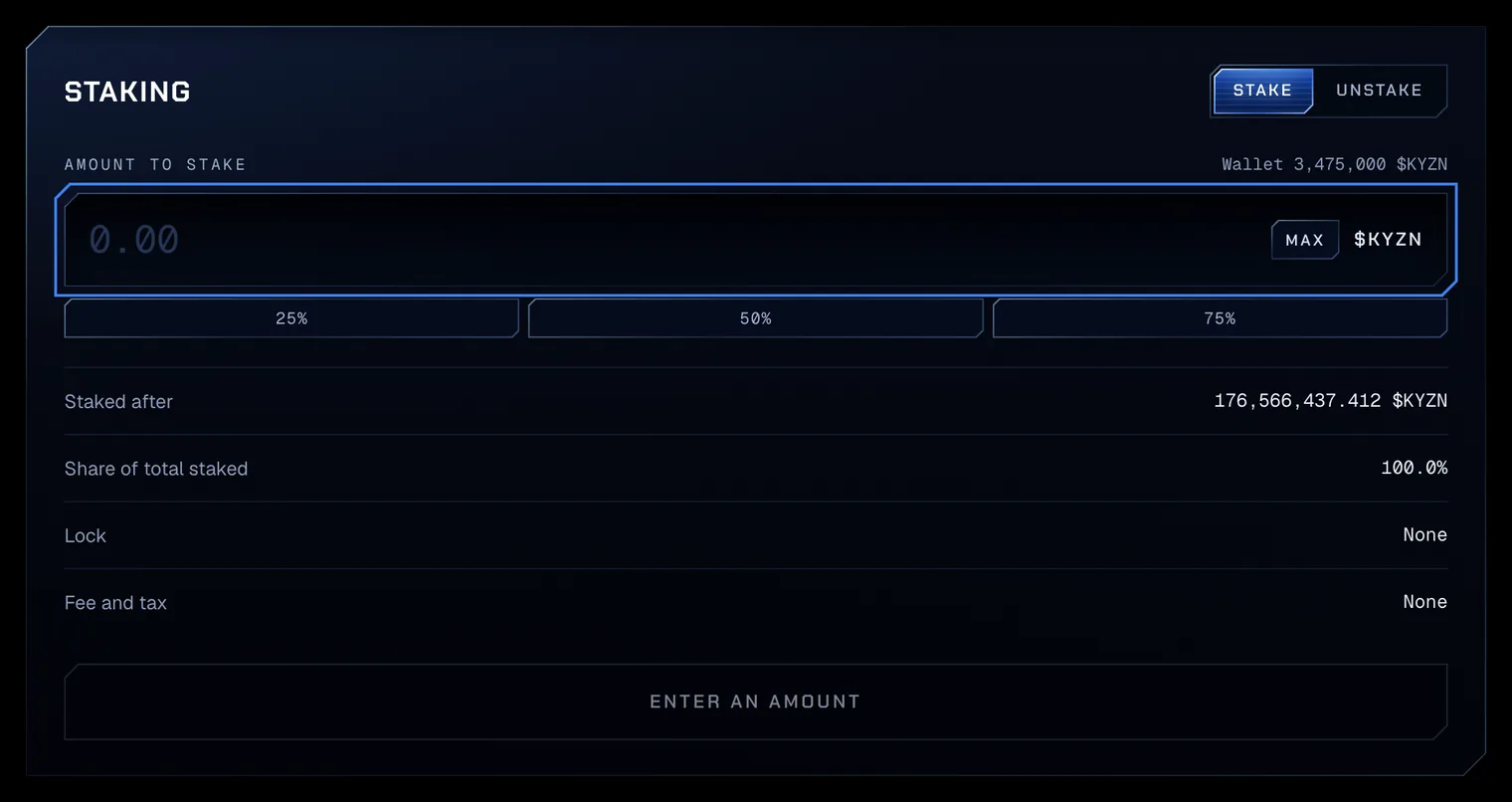
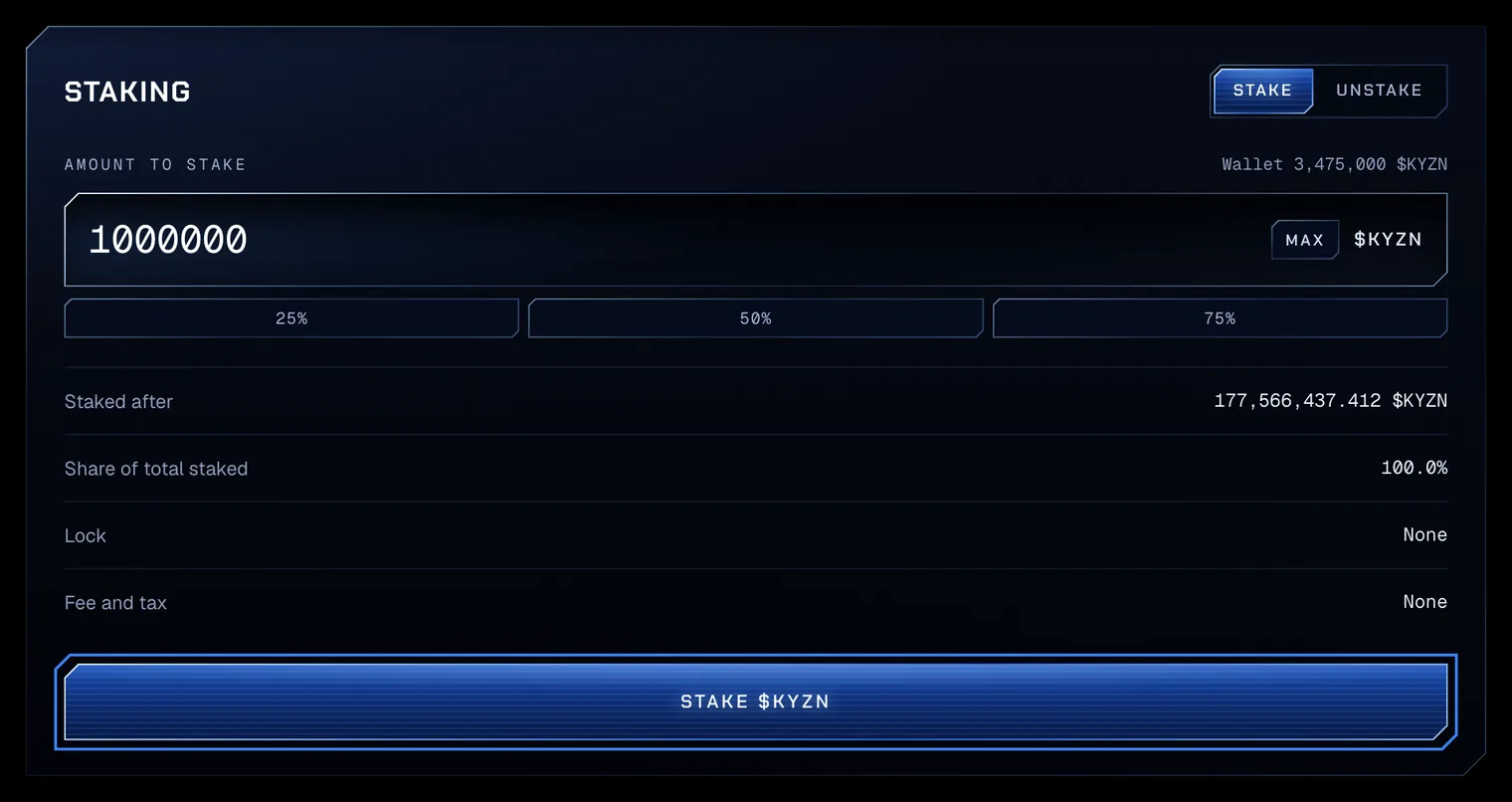
Test amounts on Robinhood Chain testnet. - 02Enter the amountType the $KYZN to stake. Staked after and Share of total staked show your position with it; Lock and Fee and tax read None. Press Stake $KYZN.
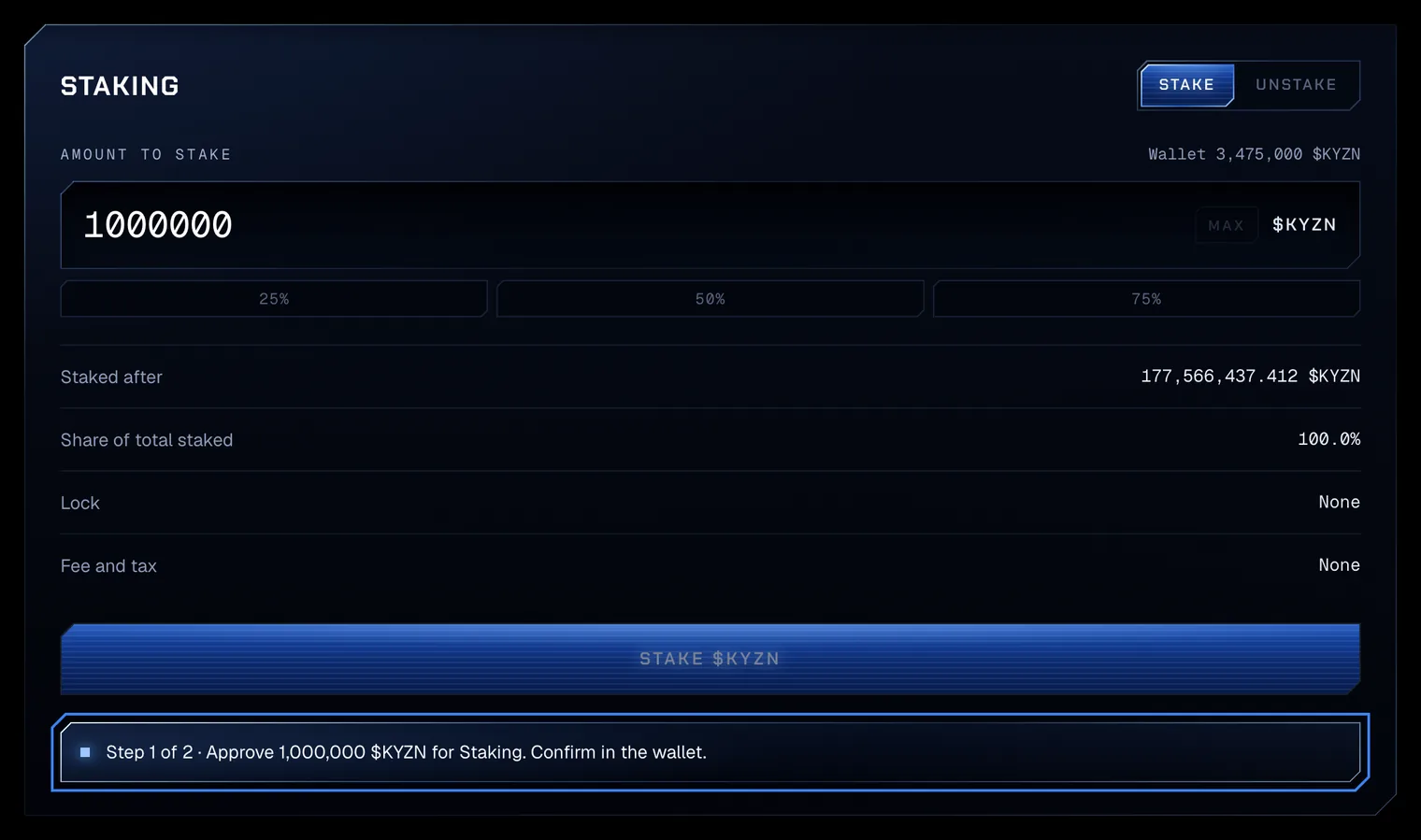
Test amounts on Robinhood Chain testnet. - 03Approve the amountWhen Staking’s allowance is below the amount, the stake takes two transactions. The first approves exactly the amount, and the line reads Step 1 of 2 · Approve 1,000,000 $KYZN for Staking. Confirm in the wallet. Confirm it in the wallet.
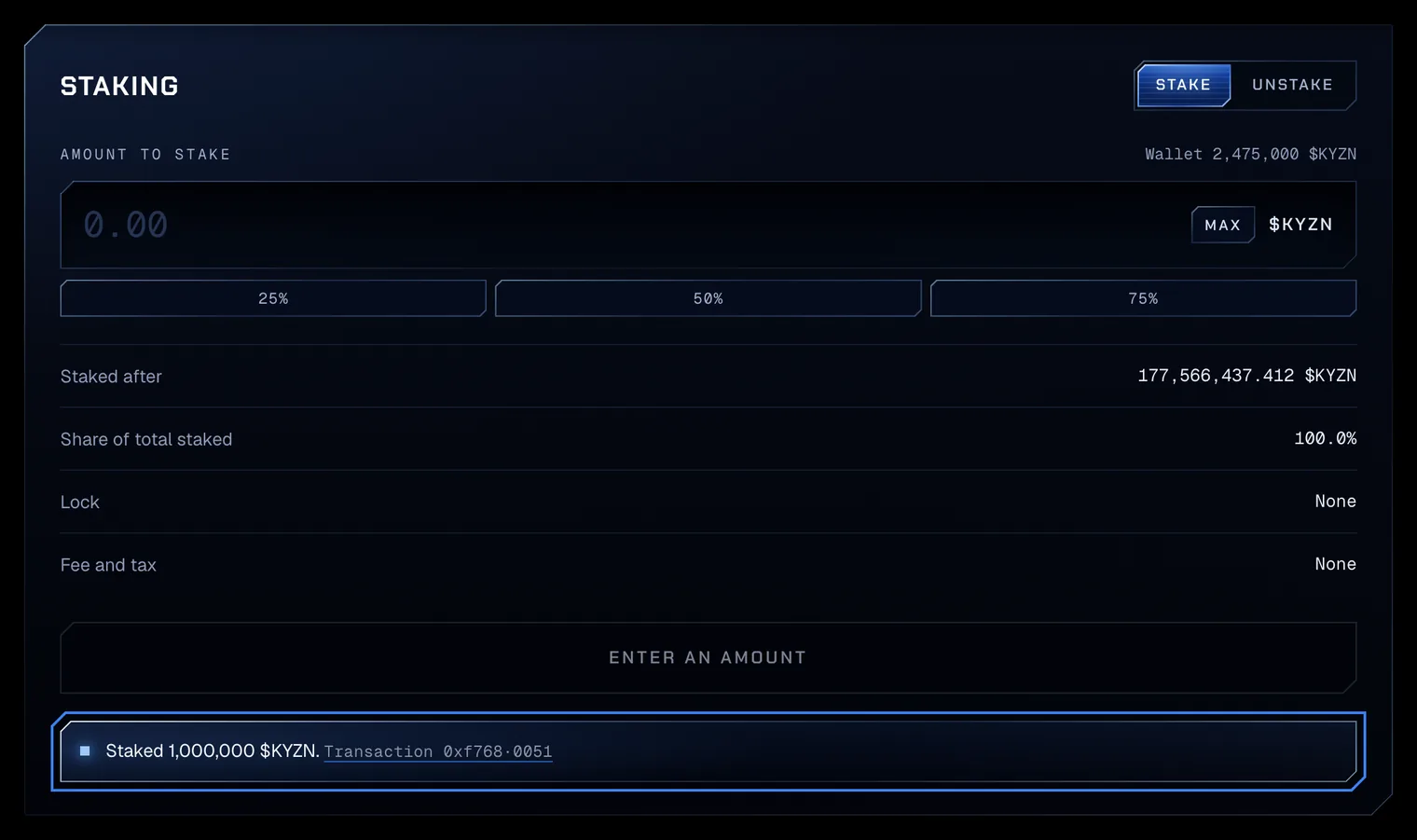
Test amounts on Robinhood Chain testnet. - 04Confirm the stakeThe wallet then asks for the stake itself, step 2 of 2. Once it confirms, the line reads Staked 1,000,000 $KYZN. with a link to the transaction, and the card reads your new wallet balance. The Overview lists the position under Your positions: Staked, with your share, and Claimable.
Test amounts on Robinhood Chain testnet.
From the second the stake confirms, it earns its share of the ETH streaming to stakers (How rewards accrue). Claiming is the next guide: Choose a payout and claim.
#Unstake
- 05Open the Unstake tabChoose Unstake. The field reads Amount to unstake, with your staked amount above it. Enter any part of your stake and press Unstake $KYZN. An amount above your stake reads Insufficient staked $KYZN.
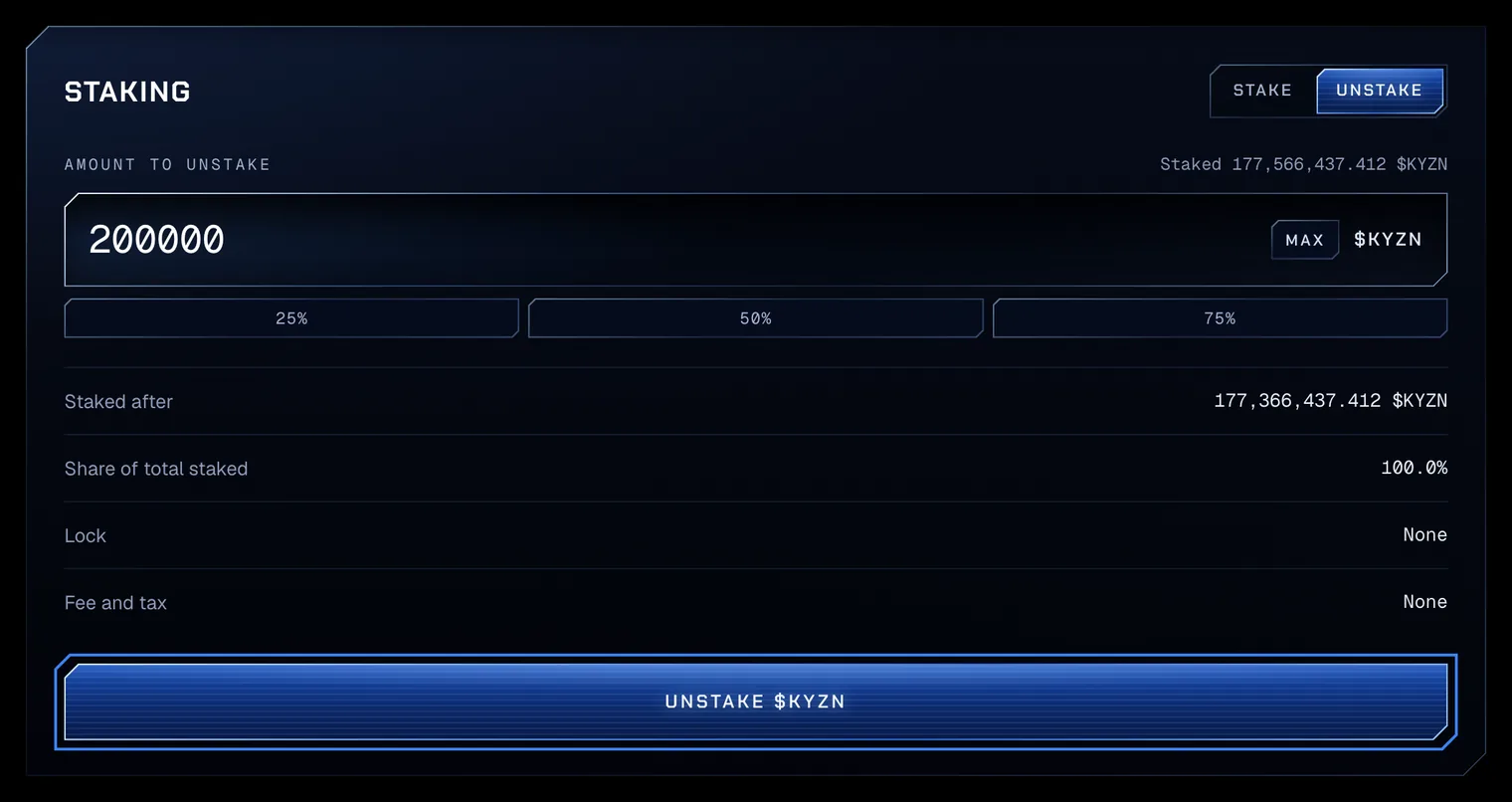
Test amounts on Robinhood Chain testnet. - 06Confirm in the walletUnstaking is one transaction, with no fee and no tax. Once it confirms, the line reads Unstaked 200,000 $KYZN. and the $KYZN is back in the wallet.
Staked $KYZN cannot be redeemed: unstake it first (Redeem against the Reserve).